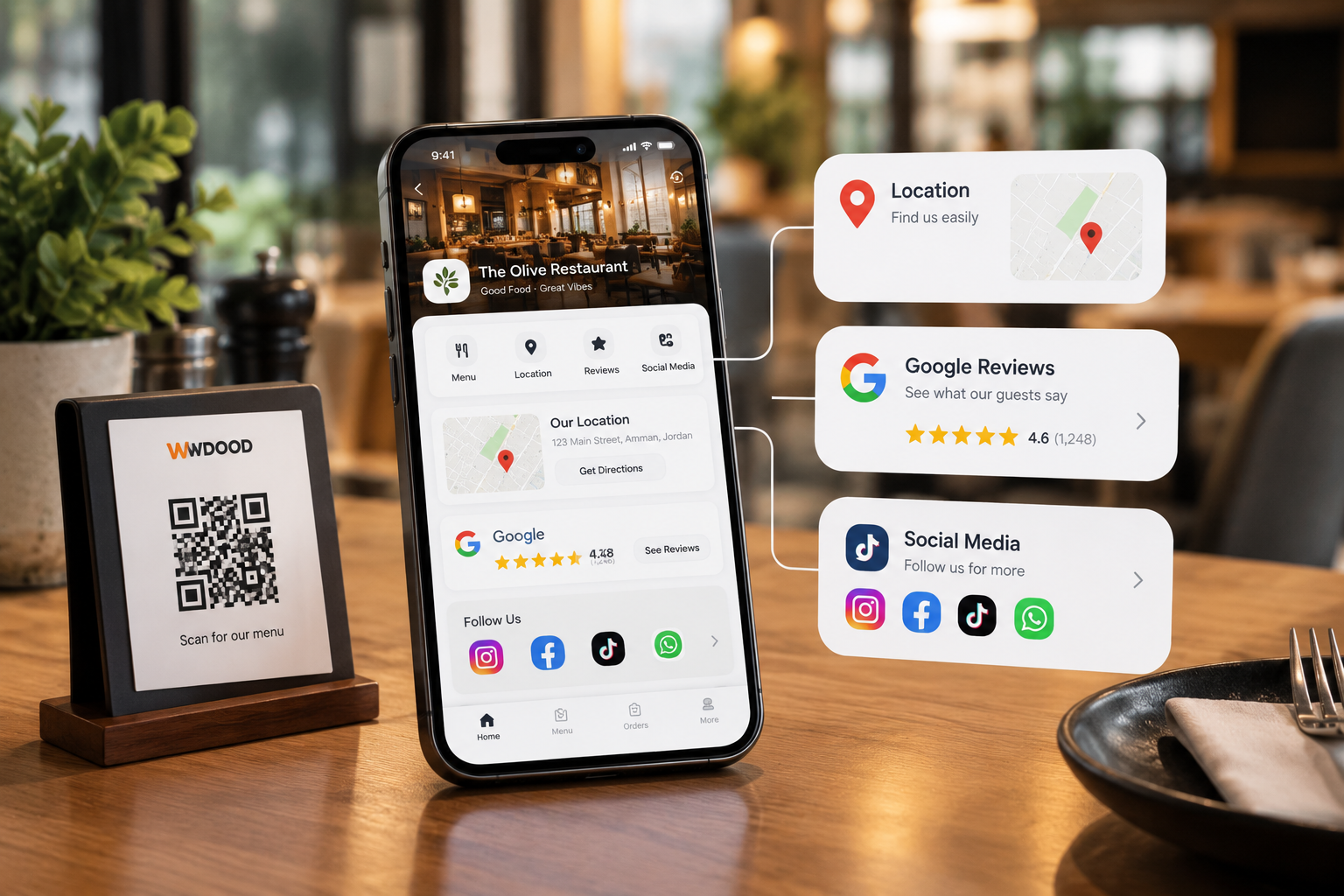
A QR Code should do more than just open a menu.
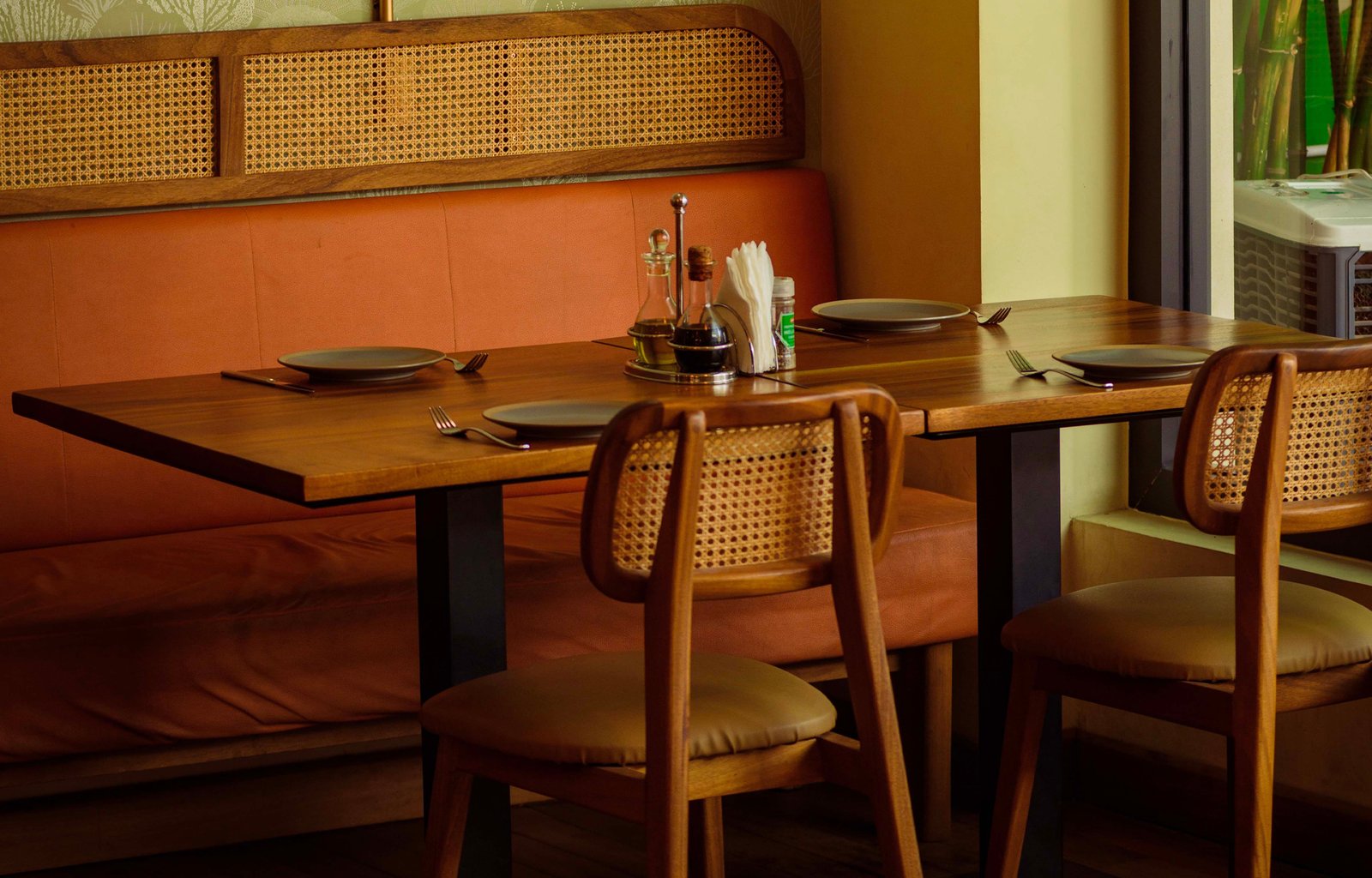
With WDOOD, each QR Code can be linked to a specific table inside your restaurant.
The customer scans the QR → browses the menu → places the order.
The order then reaches the cashier with the table number, customer name, and order details, so your team knows exactly where it came from.
Multiple Customers. One Table.
If several people at the same table order separately, their orders remain connected to the same table.
QR → Table → Customer → Order → Cashier
One clear flow. Fewer questions. Better organization.
This is how WDOOD turns a digital menu into a smarter part of restaurant operations.
WDOOD — Smart Menu. Smarter Management.