New WDOOD Update: Manage All Your Branches from One Dashboard
Managing one restaurant is simple. Managing several branches can quickly become more complicated.
That’s why we introduced the WDOOD Multi-Branch Plan.
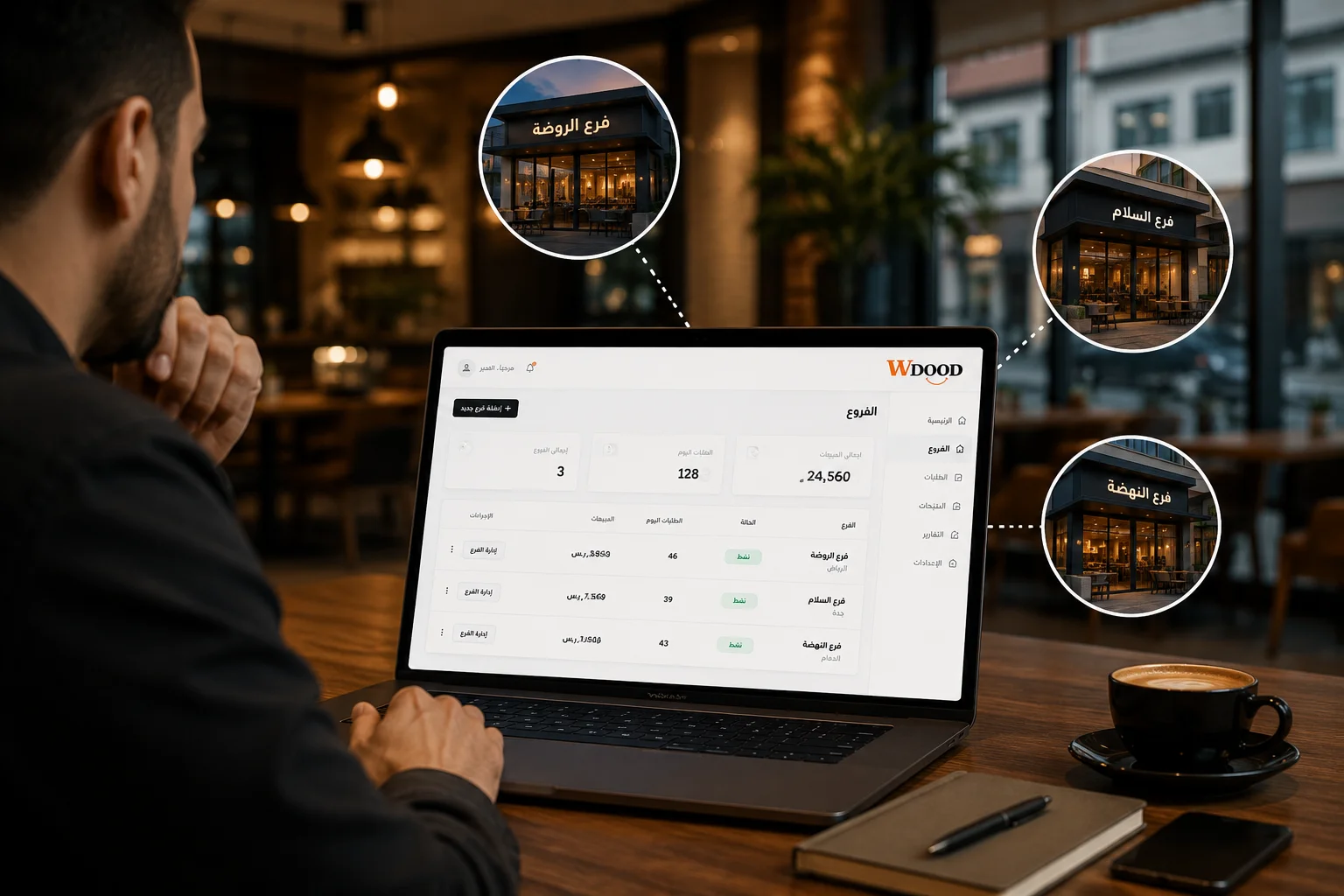
Now, businesses with multiple locations can manage their branches from one dashboard, making everyday menu management simpler and more organized.
All Your Branches in One Place
Instead of managing each branch separately, you can access and manage your branches from a single WDOOD dashboard.
Simply switch between locations and manage the branch you need.
Manage Each Branch’s Menu
Different branches may have different menus, prices, or available items.
With WDOOD, you can manage the menu for each branch and keep each location organized according to its needs.
This gives multi-location businesses more flexibility without having to work across separate systems.
Built for Businesses That Are Growing
As your business grows, your management system should grow with it.
Whether you have two branches or more, WDOOD helps keep your digital menus organized under one system.
One dashboard. Multiple branches. Simpler management.
WDOOD — Smart Menu. Smarter Management.ر